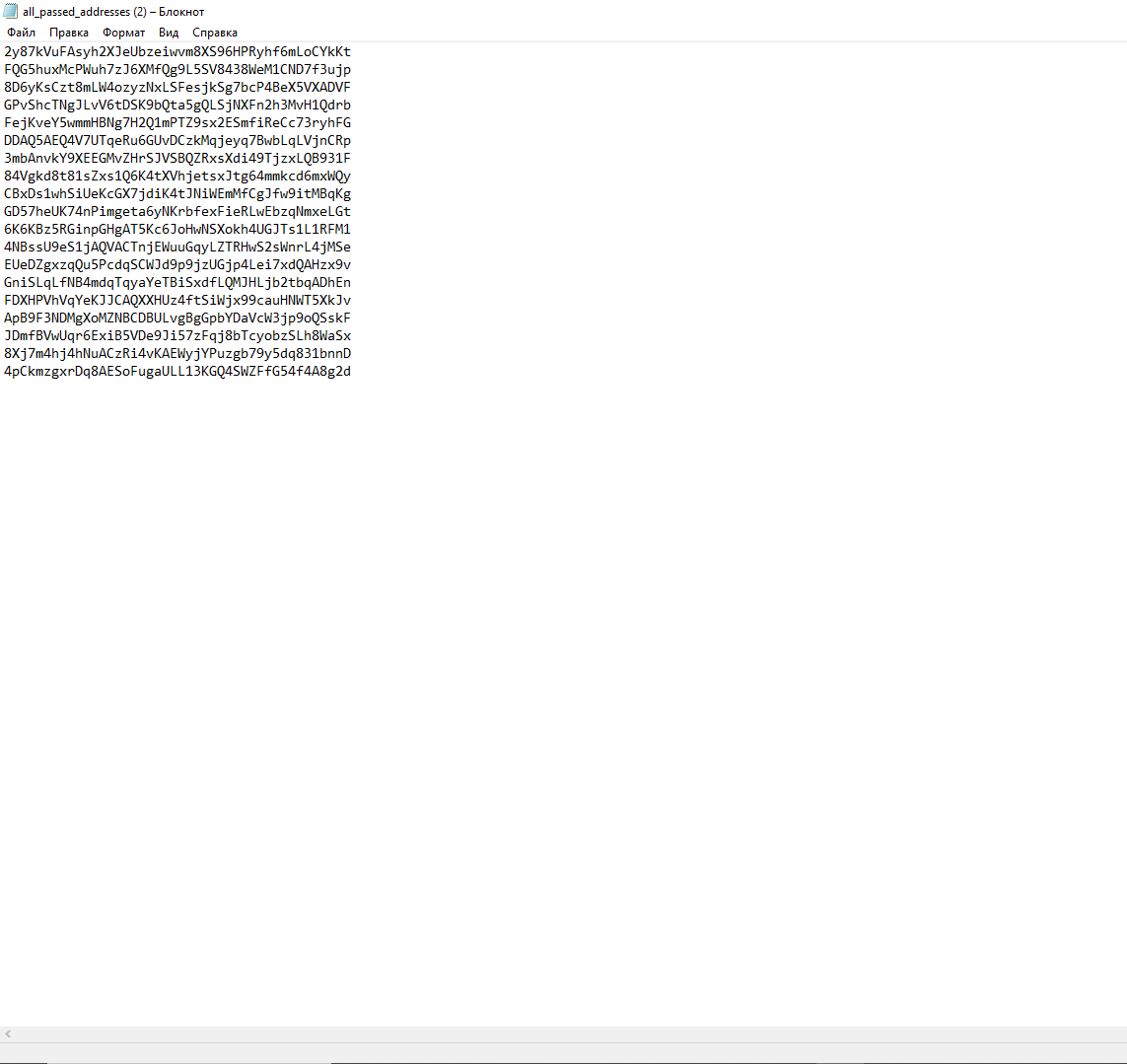
To run Super Batch, type the command /super_batch and attach a text file with up to 50k wallets to the message.
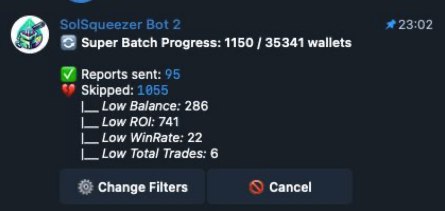
Afterwards, you will be able to see the progress of the Super Batch in the attached message.
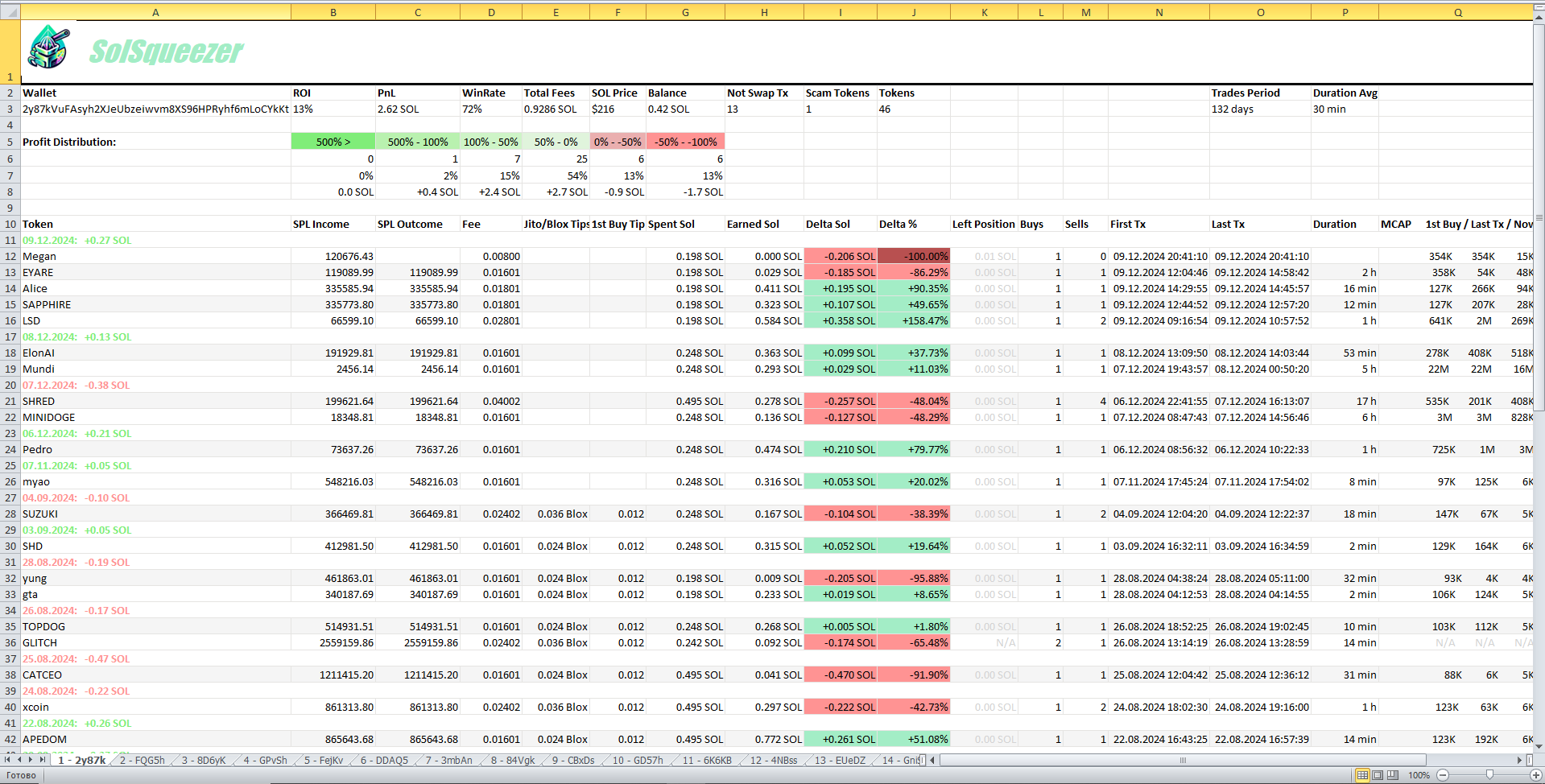
After the scanning is complete, the bot will send you a table with all the wallets.
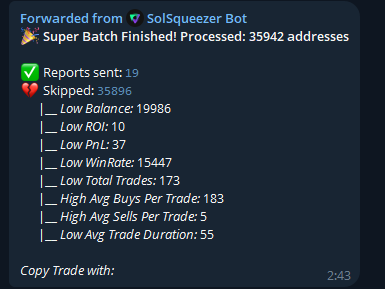
After the analysis is complete, the bot will send you a report on how many wallets were analyzed and how many were skipped. A text document with all the analyzed wallets and a table with them.
You can set an wide range of filters to scan whole txt files by setting up batch filters from bot settings