
Compare your trading results with the wallets you follow. The report shows the profit or loss attributed to each target wallet.
Command to activate : /copy_trade_monitor
Report modes
Wallet Pairs Mode
Ideal for:
Traders using separate wallets for each copy trade target.
Features:
- Ideal choice if you create a separate wallet for each copy trade target.
- Compare wallets side by side—copy/target wallet pairs are placed in separated tabs within a single Excel file.
Multiple Wallets Impact Mode
Ideal for:
Traders running multiple copy trades from one wallet.
Features:
- Perfect option if you execute multiple copy trade tasks from a single wallet.
- Impact on your profit is calculated and displayed for each wallet.
This way, you can check how profitable the copying is and how much your profit differs.
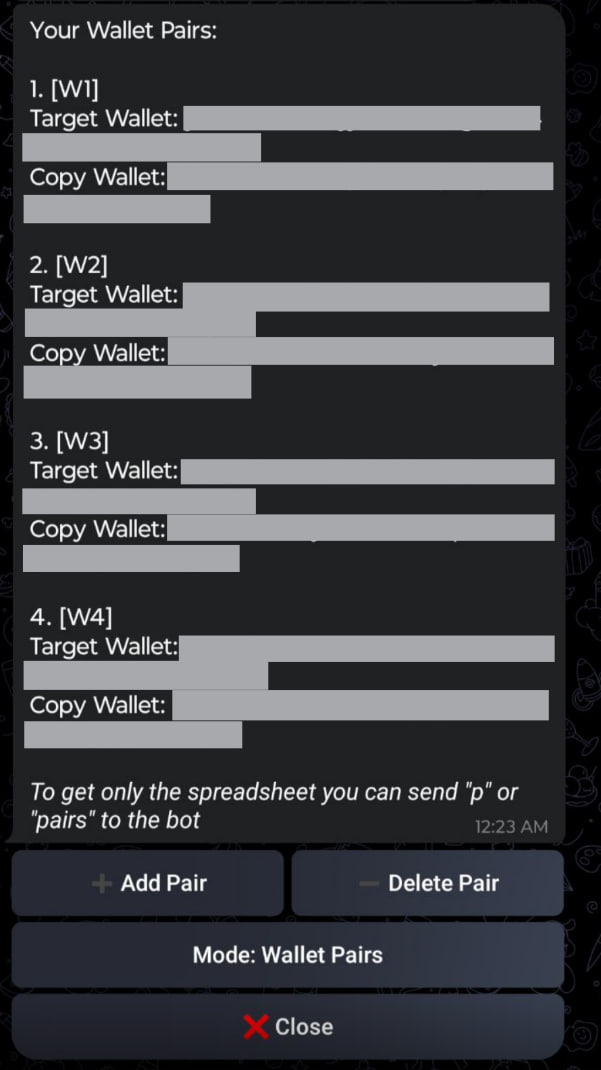
Wallet pairs Mode
Multiple Wallets Impact Mode